Viewing Highlights
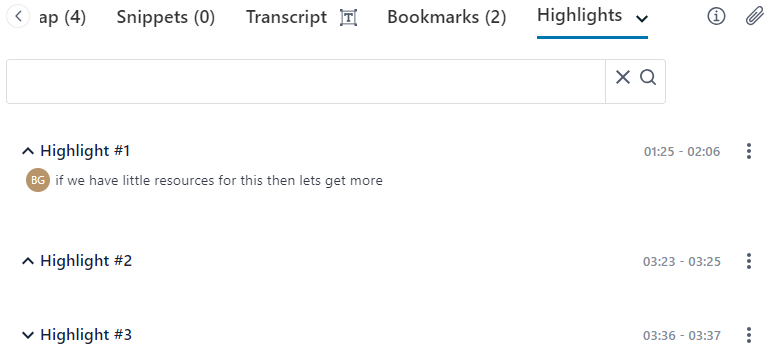
You can view the highlights that were added during the meeting recording.
| ➢ | To view highlights: |
| 1. | In the Navigation pane, click  All meetings. All meetings. |
| 2. | Click the name of the meeting recording that you want; the Player page appears. |
| 3. | Select the Highlights tab; the titles of all the highlights are displayed. |
| 4. | To view the transcription of a highlight, click the highlight's title: |